The best desk setups share one trait: they're built around ergonomics first, aesthetics second. A monitor arm, a good chair, and clean cable management do more for your comfort than any RGB lighting or triple-monitor rig.
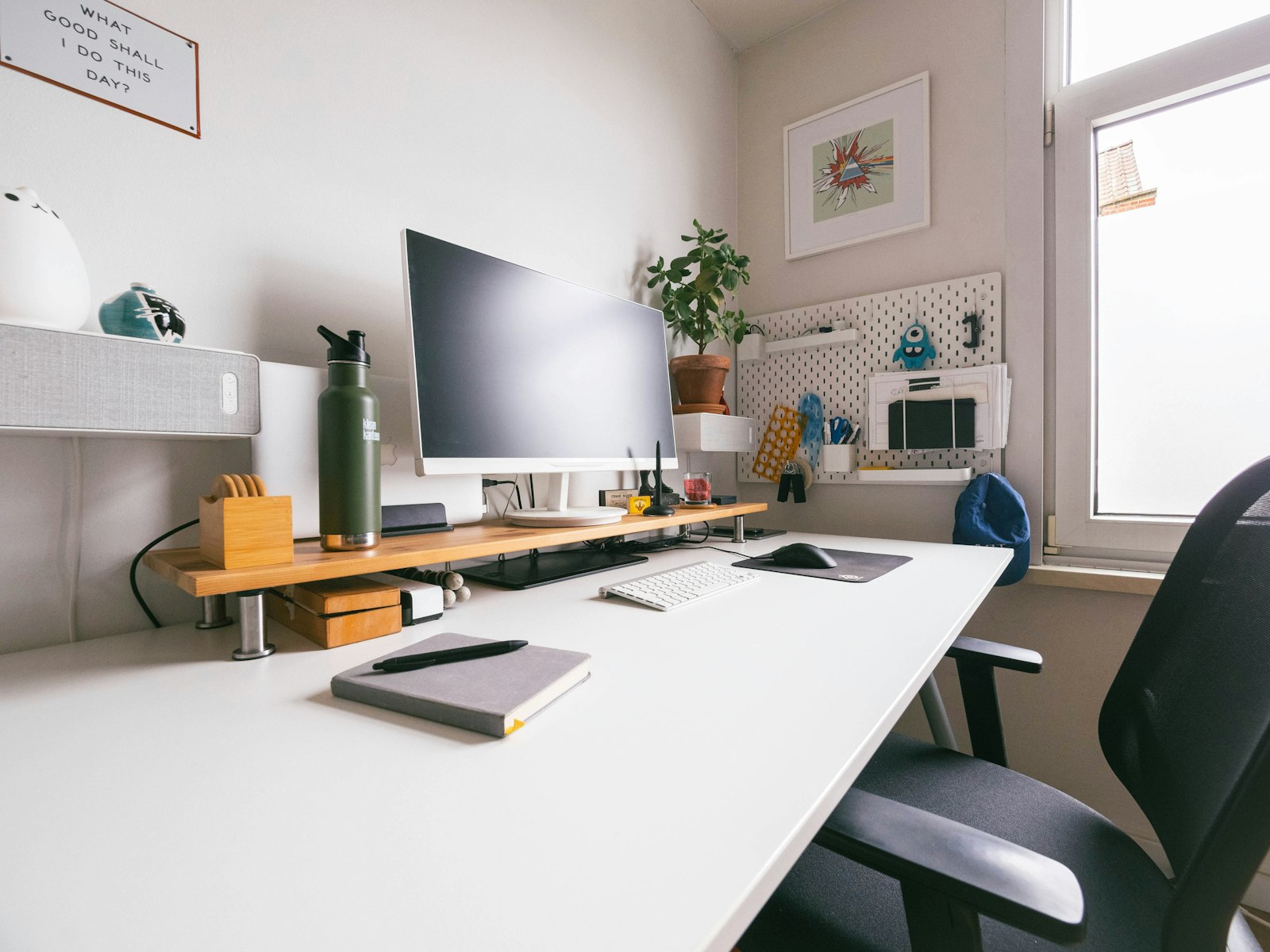
The minimal single-monitor setup
One 27-inch monitor on an arm, a compact keyboard, a vertical mouse, and a laptop on a stand. This is the most focused layout — less screen real estate, but fewer distractions and less neck movement.
The productivity dual-monitor setup
Two monitors let you keep reference material on one screen and work on the other. Use a dual monitor arm to reclaim desk space, and set your primary screen directly in front, secondary at a slight angle.
The single ultrawide setup
A 34-inch ultrawide replaces two monitors with one seamless panel — great for spreadsheets, timelines, and code. The trade-off is screen-sharing on calls, where a full ultrawide can look tiny to others.
The full WFH setup
Standing desk, ergonomic chair, ultrawide or dual monitors, and a dedicated webcam + mic. If you're on video calls daily, lighting matters as much as the gear — see our desk lamp and webcam guides.
Ergonomic basics to nail first
- Monitor height — top of screen at or slightly below eye level.
- Keyboard — elbows at ~90°, wrists straight.
- Feet — flat on the floor or a footrest.
The verdict
Pick the layout that matches how you actually work, nail the three ergonomic basics, and add cable management. That's 90% of a great setup.