Laptops keep getting thinner, which means fewer ports. A docking station or USB-C hub brings them back — and more importantly, it means you plug in a single cable instead of five every time you sit down. The three below earned the highest Ergo Scores for port selection, power delivery, and day-to-day reliability.
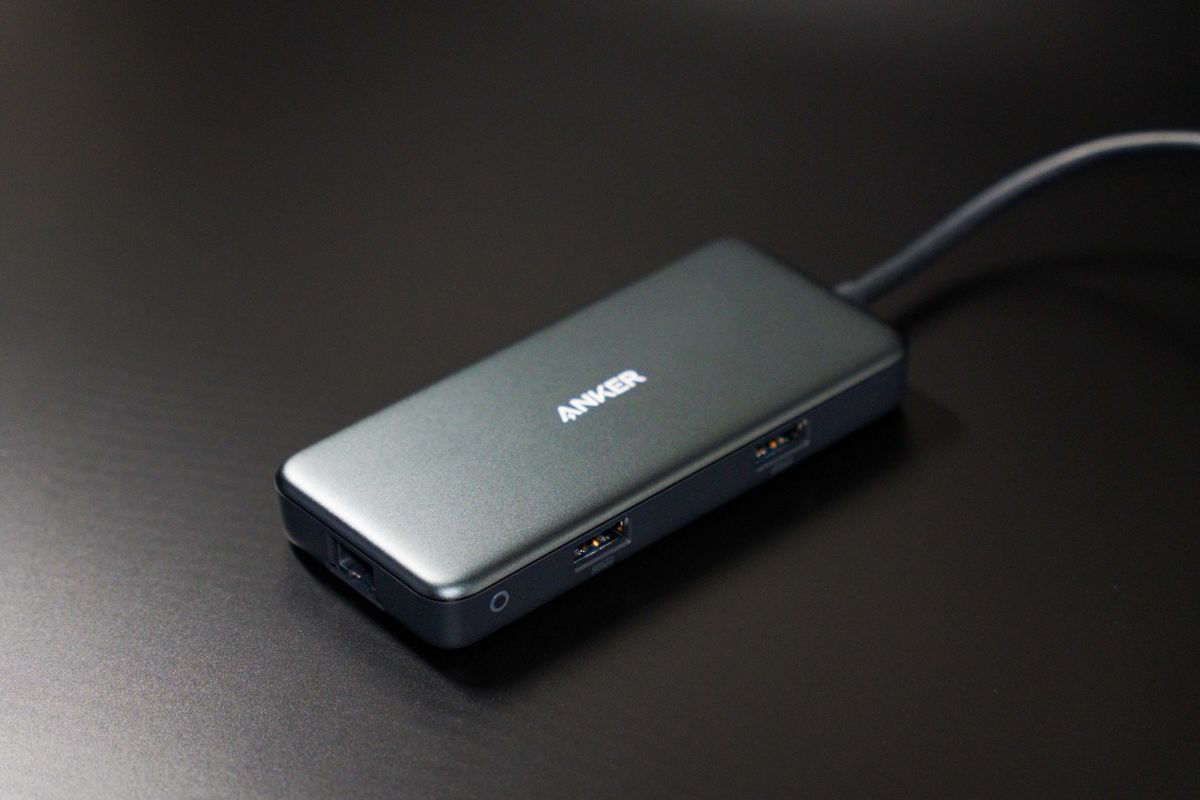
At a glance
| Dock / hub | Price | Ergo Score | Best for |
|---|---|---|---|
| CalDigit TS4 | $399 | 91 | Overall (Thunderbolt 4) |
| Plugable UD-6950PDZ | $219 | 88 | Dual monitors |
| Anker 553 USB-C Hub | $56 | 85 | Budget |
CalDigit TS4 — best overall
The TS4 is the dock that does everything: 18 ports, 98W of power delivery to your laptop, dual 6K display support, and a rock-solid build that just works[1]. It's expensive, but if you want a single hub that handles a full multi-monitor workstation for years, it's the benchmark.
Plugable UD-6950PDZ — best dual-monitor
The UD-6950PDZ is the pick for Windows users who want two 4K displays, Gigabit Ethernet, and 100W charging without paying Thunderbolt prices[2]. It's a true docking station — not just an adapter — and it holds up to all-day use without dropping connections.
Best budget: Anker 553 USB-C Hub
For about $56, the Anker 553 turns one USB-C port into eight: 4K HDMI, 100W passthrough, two USB-A ports, USB-C, Ethernet, and card readers[3]. It's the easiest upgrade if you only need a single external monitor and want to carry less.
What to look for
- Thunderbolt vs USB-C — Thunderbolt 4 docks cost more but support higher resolutions and faster data; USB-C hubs are fine for most single-monitor setups.
- Power delivery — match the dock's wattage to your laptop's charger (60W–100W) so one cable charges everything.
- Display support — check the max resolution and whether dual monitors need specific port combinations.
The verdict
Buy the CalDigit TS4 if you want the best and plan to build a serious workstation, the Plugable UD-6950PDZ for a dependable dual-4K Windows setup, and the Anker 553 if you want a real upgrade for the price of a week of coffee.