Setting up a home office is a small project that pays off every single workday. Do it in the right order and you'll avoid the two classic mistakes: buying accessories before the fundamentals, and setting ergonomic heights wrong.
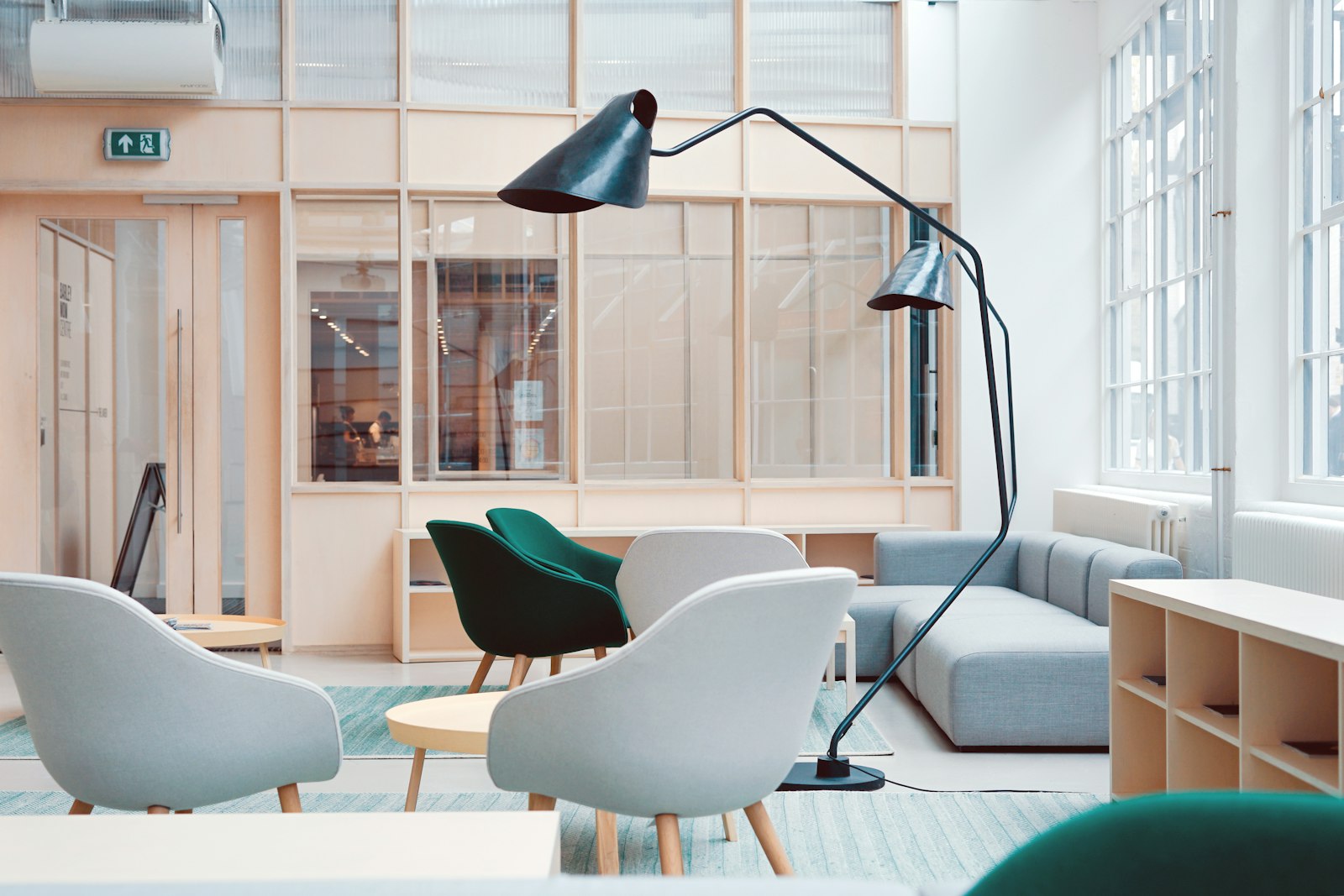
Step 1: Choose the spot
Pick a quiet area with natural light if possible, away from high-traffic parts of the home. If you don't have a dedicated room, a quiet corner works — the key is that it's yours and consistently available.
Step 2: Place the desk
Position the desk so your back isn't to a bright window (glare on screen) and you're not facing a wall that feels claustrophobic. A sit-stand desk gives you posture variety.
Step 3: Set the chair height
Adjust your chair so your feet rest flat and your thighs are parallel to the floor. Your elbows should fall naturally at desk height — roughly 90° when typing.
Step 4: Raise the monitor
The top of your screen should sit at or just below eye level, about an arm's length away. A monitor arm makes this easy and precise.
Step 5: Add light and audio
Add a task lamp to balance screen contrast, and a good headset or webcam if you take calls.
The verdict
Work through these five steps in order and you'll have a comfortable, productive home office — without overspending on gear you don't need.